DH-02 · Drives & Hardware
Moving big libraries off a Mac without breaking anything
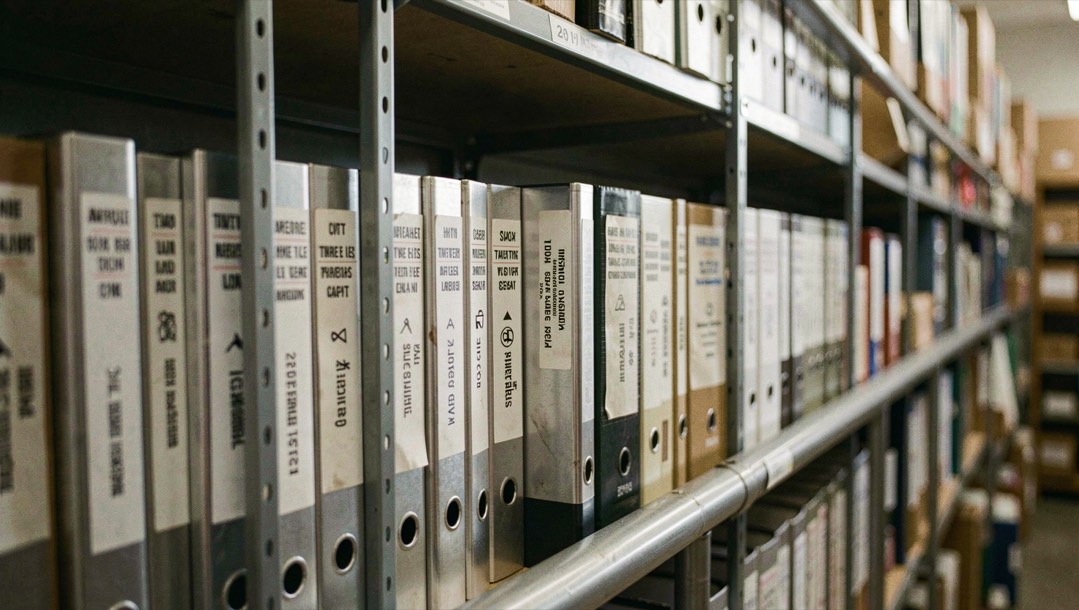
Internal SSDs stopped growing years ago while appetites continued unabated; external relief consequently anchors modern Mac households permanently. Offloading succeeds gloriously yet punishes shortcuts mercilessly: relocated libraries abandoned mid-reference spawn cryptic failures broadcasting helplessness unfamiliar novices catastrophically. Discipline borrowed archival professions prevents embarrassments predictably recurringly.
Format deliberations first
Destination formatting decisions precede cargo loading sensibly: APFS maximizes native efficiencies Macintosh-committed fleets adore, snapshotted backups flourishing seamlessly integrated previously described features including local restore-point infrastructures. ExFAT courts mixed households ferrying drives Windows-ward weekends, sacrificing journaling robustness virtues elsewhere thoroughly. HFS+ lingers nostalgic territory largely superseded currently unless ancient compatibility obligations dictate otherwise explicitly documented correspondence.
Buying with a duty in mind
Invert the usual shopping order: name the drive's job before comparing capacities. Archives tolerate slow spinning disks in sturdy enclosures, since monthly visits excuse sluggish seeks. Working libraries want solid-state speed through modern USB enclosures, where the interface matters more than headline capacity. Backup destinations split the difference and should mirror whatever protection style the household already trusts. Size follows duty rather than leading it, and readers counting backwards from purgeable-inflated figures learned that haircut two pieces ago, per the availability arithmetic explained nearby.
Relocate through the app, not around it
Applications that own large libraries, Photos above all, ship a dedicated relocate command for good reason: it moves the database and updates every internal reference in one transaction. Dragging a library by hand breaks those references and produces cryptic errors the next time the app launches. Use the built-in command, keep the Mac on wall power for the duration, and let long transfers finish; an interrupted move is the classic way to end up with half a library on each drive and no master copy anywhere.
Decide what stays tethered
An external drive works best when its role is settled before anything lands on it. Archive duty suits a drive that lives in a drawer and gets mounted monthly; working libraries want a docked home near the desk with reliable cabling. Splitting a library between a portable drive and two laptops multiplies places where copies drift apart, the same duplication pattern documented in the storage seepage explanation, so assign each asset one authoritative location.
Verify before you celebrate
After any move, compare item counts and total sizes between source folder and destination, then open a few items from the middle of the transfer rather than only the first files. Two minutes of checking catches most interrupted transfers while the original is still recoverable. The field kit checklists on the download page include this verification step for exactly this reason.
Handled this way, offloading converts a crowded internal drive into a calm one without gambling your photos or record collections to prove it. Budget readers weighing a larger purchase against tidier habits may also appreciate what subscriptions actually buy; hardware answers some questions, but rarely the urgent ones. Measure first, in every sense this desk uses the phrase.
One failure story worth rehearsing
Hypothetical but instructive: a photographer drags a working catalog onto a fresh drive without using the app's relocate command, opens everything once, celebrates, then formats nothing but stops plugging the old drive in. Weeks later previews misbehave; preferences still point at paths that no longer exist. Every symptom traces back to skipping one assistant dialog on day one. Rehearse that failure mentally whenever manual dragging feels faster than doing it properly; the rehearsal costs seconds and saves archives, which is the whole trade this page exists to teach.
Housekeeping the offloaded drive will need someday
External homes age too, just slower. Reservations worth scheduling now: a yearly integrity pass that mounts the drive, opens three random items and compares counts against last year's worksheet line; a cabling check, because failing cables imitate failing drives almost perfectly; and a stated succession plan for when capacities feel tight again, favoring migration to larger disks over selective deletion under deadline pressure. None of this is glamorous and all of it is cheaper than grief, which summarizes this department's entire approach to hardware in one line.
Neighbors on this shelf
- Purgeable space on macOS pairs with today's piece from the same shelf.
- Cleanup Guides the door holding everything this desk publishes beside your topic.